
You want a website that brings in customers, and you would rather not rebuild it in two years. This WordPress vs Wix guide uses the Wix plans, prices and limits we checked on wix.com this September, so you compare today’s numbers, not last year’s.
Last updated 14 September 2026. Wix plans checked on wix.com; WordPress facts checked on wordpress.org.
Quick answer: is WordPress better than Wix?
For most small businesses weighing WordPress vs Wix, yes. Choose WordPress if you want to own your site, change its design whenever you like and take it to any host.
Choose Wix if you want one yearly bill with hosting included and plan to keep a small, simple site.
Still torn between Wix or WordPress? Book a free call with a team that builds only on WordPress.
WordPress vs Wix: the numbers that decide it
$0
WordPress: the software itself, free and open source
$29 a month
Wix Core: the cheapest plan that takes online payments, billed yearly
2 GB
Wix Light: storage on the entry paid plan
1 year
Wix: the free domain voucher, for new domains only, then you pay to renew
WordPress vs Wix: the basic difference
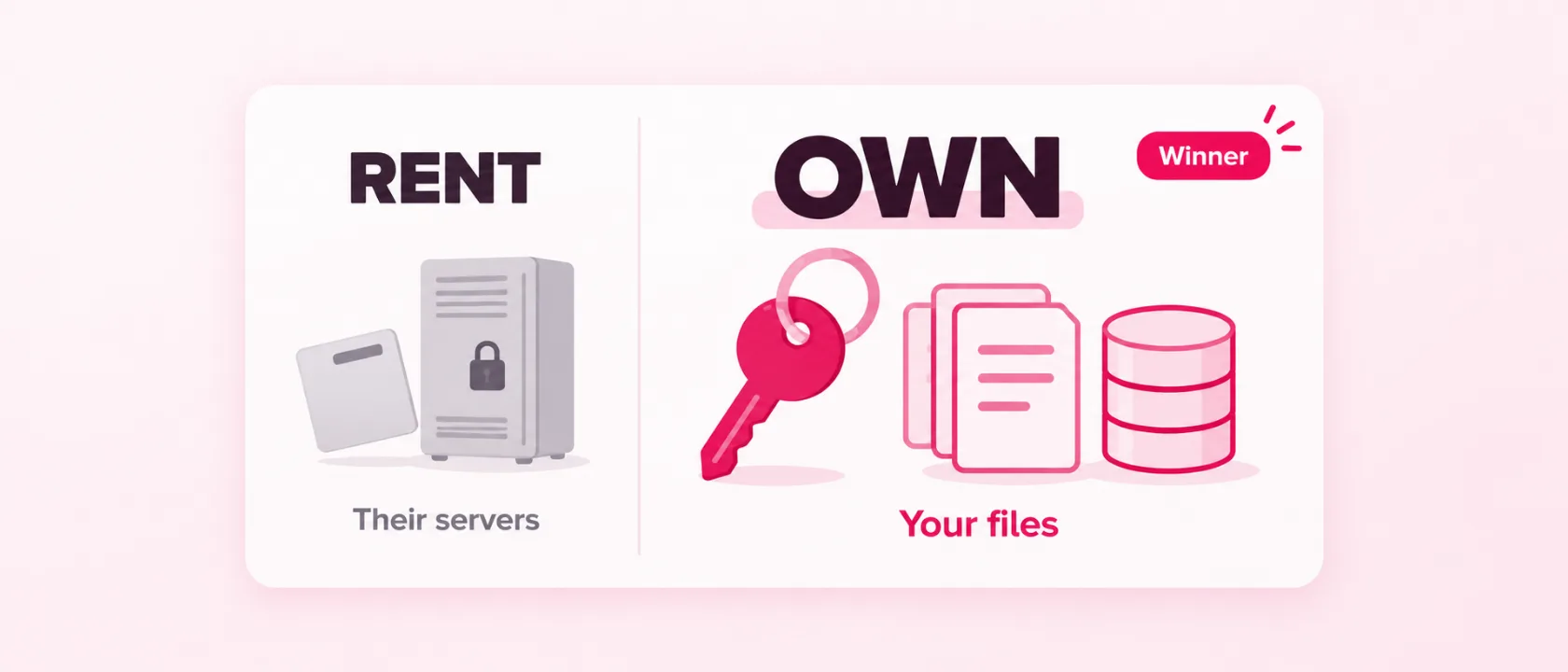
A website builder you rent, or software you own
Wix is a hosted website builder. You pay Wix a plan fee, build your pages in its editor, and your site runs only on Wix’s servers.
WordPress is free, open-source software. You install it on hosting you choose, and the files, the database and every page stay under your control. It runs 40.3% of all websites, according to W3Techs on 11 September 2026.
That one difference shapes the rest of this WordPress vs Wix comparison. Wix swaps control for convenience. WordPress hands you the keys, and you decide who looks after the house.
Ease of use: WordPress vs Wix
Easy on day one, or easy for years?
In WordPress vs Wix, your first week matters, and so does year three. Wix puts a drag-and-drop editor and hosting in one account, so a first-time owner can publish fast. WordPress asks for more setup: a host, a theme and a few plugins. After that, page builders such as Elementor give you the same drag-and-drop editing without the template walls. We build on WordPress, and we say so up front.
Wix
- A drag-and-drop editor with more than 2,000 templates.
- Hosting, an SSL certificate and 24/7 customer care come with the account.
- You cannot switch an existing site to a different template.
- Your site can run only on Wix's servers.
- The Light plan cannot take online payments.
WordPress
- The software is free and open source.
- Switch themes whenever your brand changes.
- Page builders such as Elementor give you drag-and-drop editing.
- Pick any host, and move to another one later.
- A built-in export tool saves your posts, pages and comments.
- Someone has to run updates for WordPress, your theme and your plugins.
Never built a site before? Then is WordPress better than Wix for you? Yes, when someone sets it up well and keeps it updated. Our WordPress website maintenance checklist lists the monthly jobs, so you can judge the work before you commit.
Cost: Wix vs WordPress, plan by plan
The monthly price, and the bill behind it
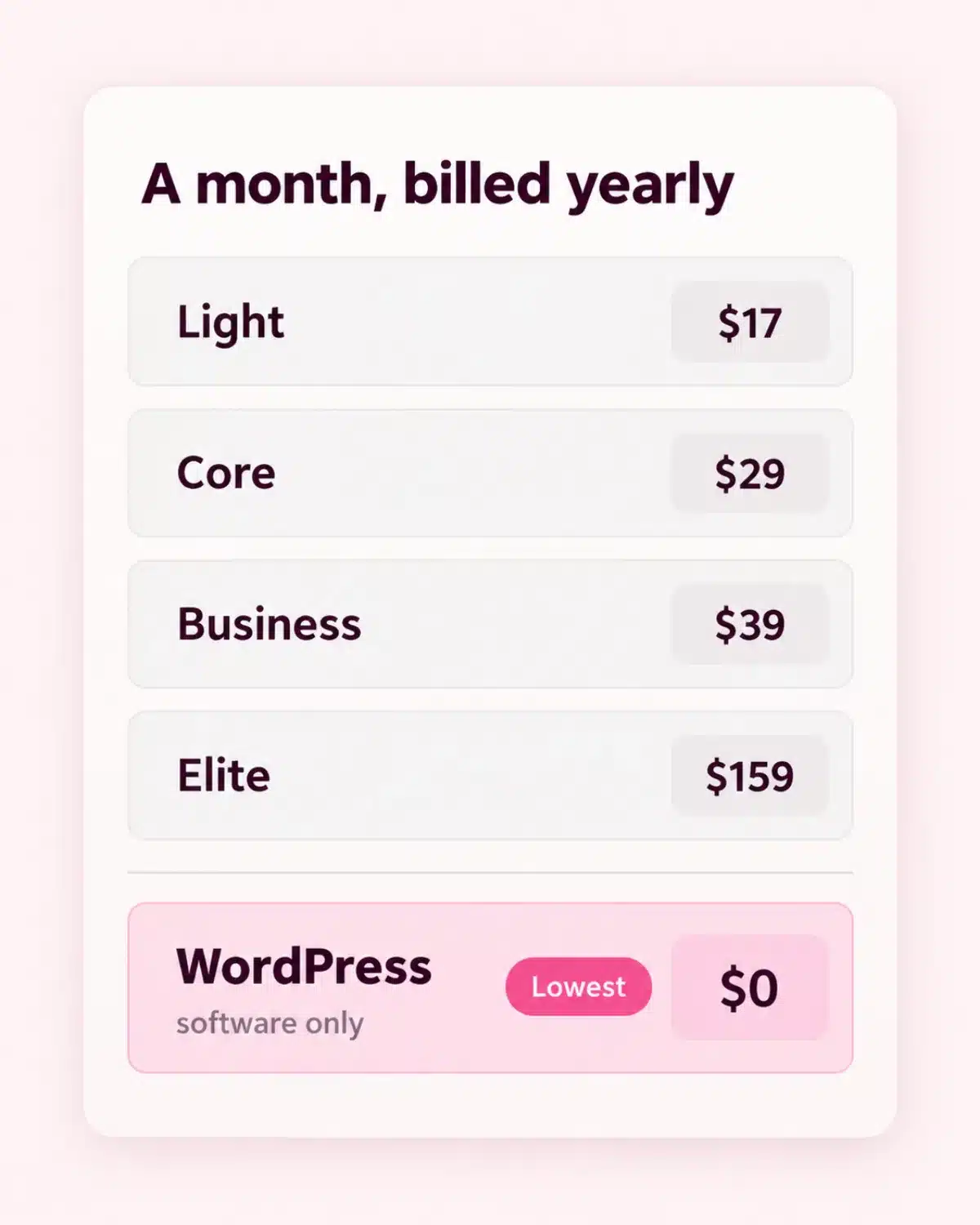
Wix shows its plan prices per month, and you pay for the whole year up front. Taxes come on top, and Wix says prices vary by location.
Wix plans next to WordPress, checked on wix.com on 14 September 2026
Option
Price a month, billed yearly
Storage
Online payments
Wix Light
$17
2 GB
Not included
Wix Core
$29
50 GB
Included
Wix Business
$39
100 GB
Included
Wix Business Elite
$159
Unlimited
Included
WordPress
$0 for the software
Set by your host
Included, with the free WooCommerce plugin
Wix prices are the US dollar prices shown on wix.com/plans. A WordPress site adds hosting and a domain to the free software.
The Wix plan fee covers hosting. The free domain lasts one year, and Wix says the voucher cannot renew a domain you already own.
Small monthly prices add up. Three years on Wix Business comes to $1,404 before tax, at today’s price.
On the WordPress side of WordPress vs Wix, costs work the other way round. The software is free, and you pay for hosting, a domain, any premium theme or plugin, and someone’s time for updates. You choose each part, so you can start small and upgrade one piece at a time.
Rather not assemble those parts yourself? Our team builds WordPress websites for small budgets and shows the price on the page. The files, the database and the domain are yours the day the site is finished.
Pro tip
Price the plan you will need in year two before you pick Wix or WordPress. Want to sell online later? Wix payments start on Core at $29 a month, billed yearly.
Ownership and leaving
Wix or WordPress: who owns your website if you leave?
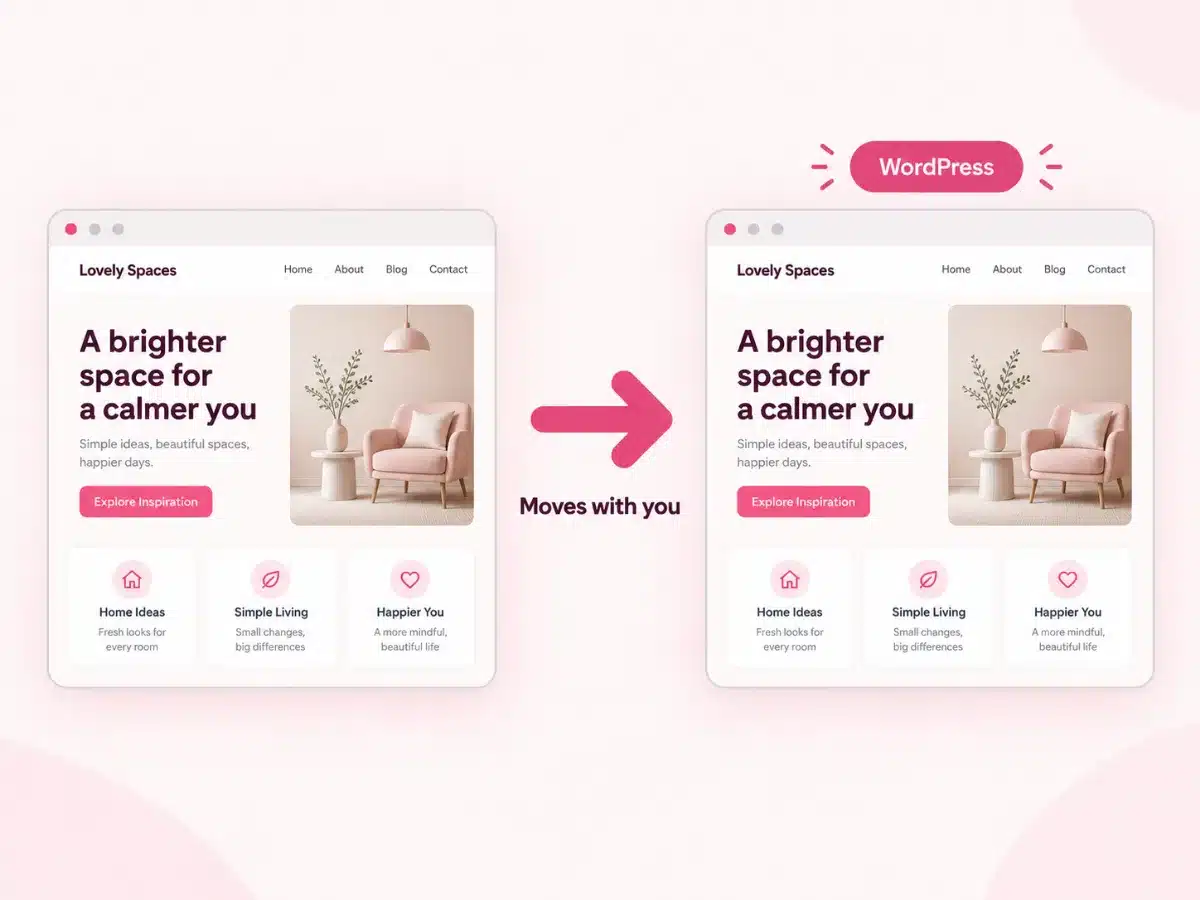
You may never plan to leave, until a new designer, a rising bill or a missing feature makes you look around. Wix says a Wix site cannot be exported to another host, because it runs on Wix’s own technology.
Wix’s help center also says blog posts cannot be exported to other platforms. Store products are easier: you can export them to a CSV file, up to 5,000 rows per file.
Paying matters too. If a Wix plan lapses, Wix says the site goes back to a free Wix address with Wix ads, and your custom domain disconnects. Know that rule before you settle WordPress vs Wix.
WordPress has an export tool built in. It saves your posts, pages, comments, categories and users in one file that another WordPress site can import. Your web team can copy the files and database to any host. That freedom is the biggest reason we pick WordPress when owners ask us about Wix or WordPress.
Features: WordPress vs Wix side by side
Wix vs WordPress, feature by feature
Short on time? Read the rows that matter most to your business first: cost, Wix vs WordPress for SEO, and who owns the site.
WordPress vs Wix at a glance, checked 14 September 2026
Wix
WordPress
Hosting
Included, on Wix servers only
Any host you choose, and you can move later
Price
Free plan with Wix ads; paid plans $17 to $159 a month, billed yearly
Software $0; hosting, domain and premium add-ons extra
Design
2,000+ templates; no switching template on an existing site
Free and premium themes plus page builders; switch themes any time
Apps and plugins
Wix App Market
The largest directory of free and open-source WordPress plugins
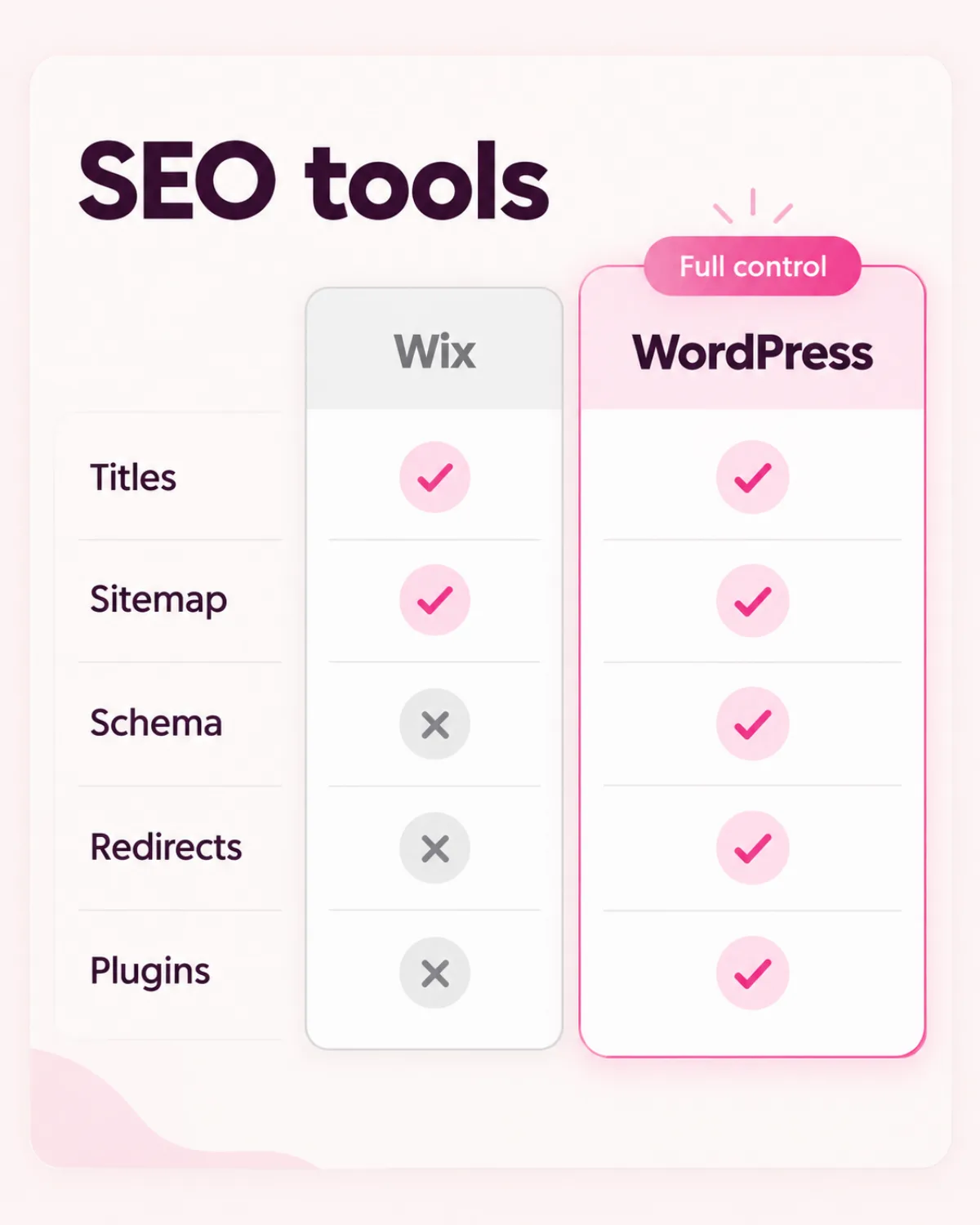
SEO tools
Meta tags, sitemap, schema and redirects built in
SEO plugins such as Rank Math, plus access to every template and file
Blogging
Built-in blog; posts cannot be exported to other platforms
Full publishing tools; export your posts any time
Online store
Payments from the Core plan up
Free WooCommerce plugin with 0% revenue share
Leaving
The site cannot move to another host; products export to CSV
Export your content, and move files and database to any host
Support
24/7 customer care from Wix
Your web team, your host and the WordPress.org support forums
Best for
Small sites that will stay simple
Most small businesses that want to own, grow and change their site
Want WordPress without the setup work?
Weighing Wix or WordPress for your business? Talk it through with a WordPress-only team.
SEO and blogging: WordPress vs Wix
Wix vs WordPress for SEO: both can rank, one gives you more room
Wix vs WordPress for SEO starts with one fact: Google ranks pages that answer a search well, and neither platform writes them for you. Wix gives you meta tags, a sitemap and schema markup. It also has a redirect manager for 301 redirects, the permanent forwards from an old link to a new one.
WordPress goes further when you plan to win customers with articles. An SEO plugin such as Rank Math handles titles, schema, sitemaps and redirects, and you can change any template when a page needs it. That depth is why WordPress wins our Wix vs WordPress for SEO match-up.
Our WordPress SEO team can set it all up with you, from page titles to the articles that bring in local searches.
Design and flexibility: WordPress vs Wix
Change your look without starting over
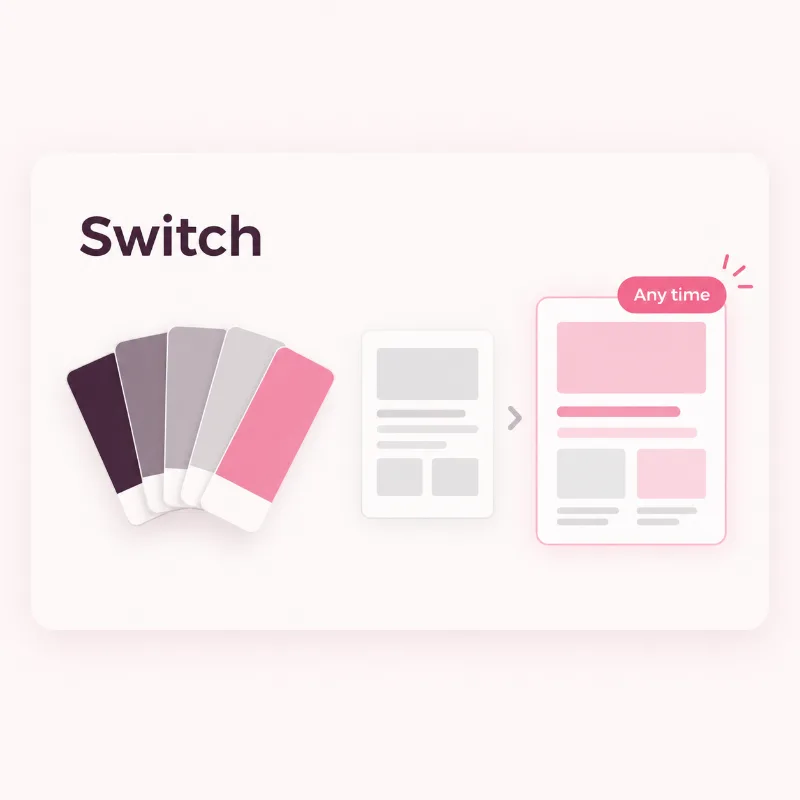
Your brand will change: a new logo, a new service, a new audience. That is where Wix vs WordPress feels different a year in. Wix says you cannot switch an existing site to a different template, so a new look means creating a new site and bringing your pages across.
On WordPress, you switch themes and keep your content. A page builder gives you control over every section, and our page builder guide compares Elementor, Divi and WPBakery if you want help choosing one. Is WordPress better than Wix for a brand that keeps changing? On design freedom, yes.
A Wix site lives on Wix. A WordPress site lives wherever you decide to put it.
Online stores: Wix or WordPress
Sell online without hitting a plan wall
Wix sells its store tools in steps, and that is the first Wix vs WordPress gap for shop owners. Light has no online payments, Core adds basic eCommerce, and Business and Business Elite add standard and advanced eCommerce.
Card fees apply on both sides of WordPress vs Wix. Wix Payments charges 2.9% + $0.30 per US card sale, according to Wix’s help center.
Is WordPress better than Wix for a shop that will grow? We think so. The free WooCommerce plugin turns your site into a store with 0% revenue share, and you pick the payment provider. When you are ready to sell, our team can build your WooCommerce store on the site you already have.

Security and upkeep: WordPress vs Wix
Who looks after your site once it is live?
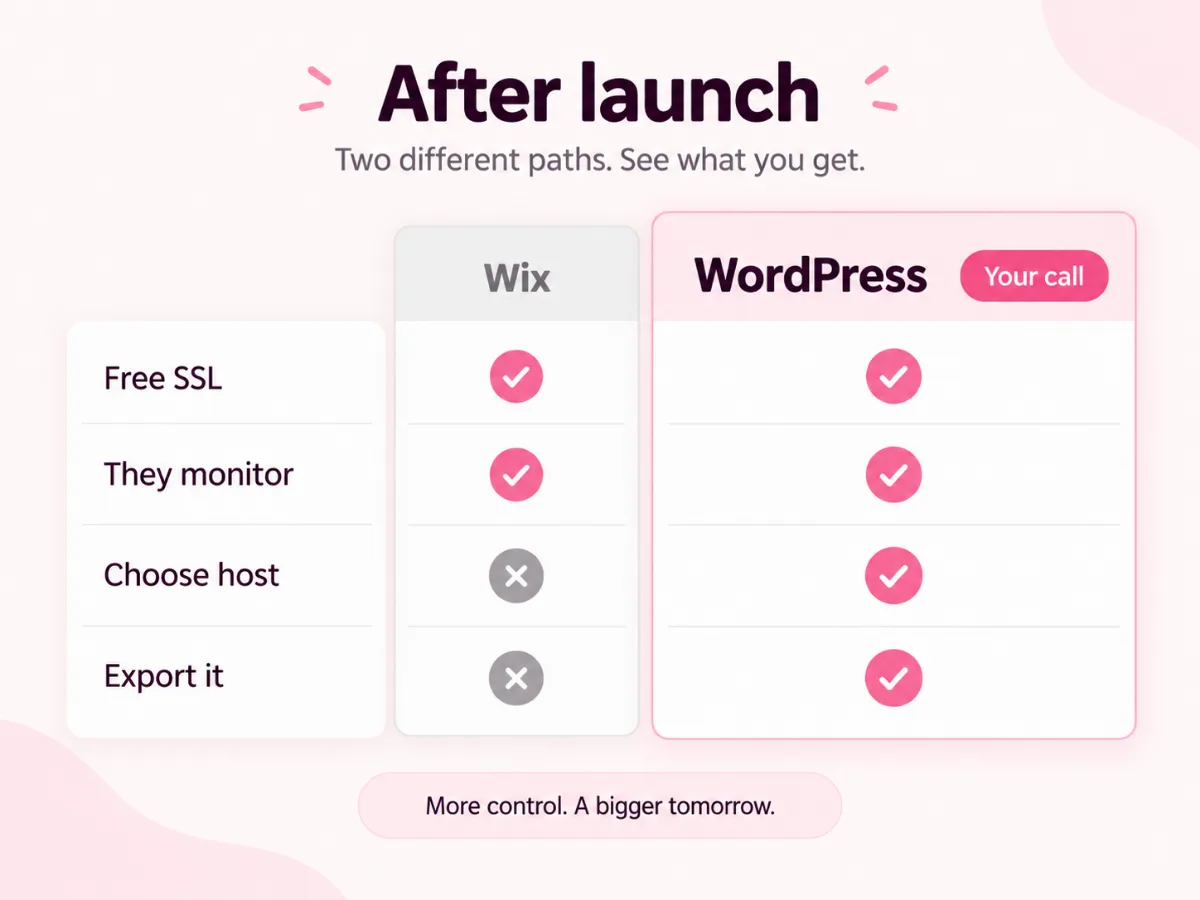
A hacked or broken site loses you calls and sales. Before you settle WordPress vs Wix, decide who watches for that. WordPress asks more of you here, and it gives you more control in return.
Wix
- Wix runs the hosting and its security monitoring.
- Every Wix site gets an SSL certificate.
- You cannot choose your own servers or host.
- If your plan lapses, your domain disconnects and Wix ads return.
- Blog posts cannot be exported as a backup for another platform.
WordPress
- You choose the host, backups and security tools.
- You have full access to the files and database when something breaks.
- The export tool gives you a copy of your content.
- A care plan can hand updates and backups to a team you pick.
- WordPress, theme and plugin updates need someone to run them.
Our WordPress security best practices guide covers the steps you can take yourself. If you would rather hand it off, a care plan puts the updates with our team.
Already on Wix?
Move from Wix to WordPress in five steps
You may have started on Wix and outgrown it. A clean move to the other side of WordPress vs Wix takes planning, because Wix gives you no site file to upload somewhere else.
1
List every page and address
Write down each Wix page URL, so you can forward every one later.
2
Build the WordPress site
Set up hosting, a theme and your pages, and keep the new site hidden from Google until launch.
3
Bring your content across
Copy posts and images by hand or with a web team, since Wix cannot export blog posts. Store products go out of Wix as a CSV file and into WooCommerce with its CSV importer.
4
Set 301 redirects
Point each old Wix address to its new WordPress page. Google advises keeping redirects for at least a year.
5
Test, then point your domain
Check every page, form and email, then connect your domain to the new site.

Wix or WordPress: our verdict
So, is WordPress better than Wix for your business?
Pick the platform that fits your business in three years, as well as today. After this WordPress vs Wix check, we pick WordPress for most small businesses. You own the site, choose every part and can change the design without starting over. Wix fits a smaller group: owners who want one bill and a small site that will stay simple.
Three example businesses weighing WordPress vs Wix (made up, to show the thinking)
A plumber who needs five pages and a contact form, and wants to write articles for local searches. WordPress. For this owner, Wix vs WordPress for SEO decides it: service pages and articles live on one site, and an SEO plugin gives each page full control.
A wedding photographer who wants a gallery live this weekend and has no plans to grow it. Wix. The editor and hosting come in one account, and a simple portfolio fits a Wix plan.
A bakery that starts with a menu and wants online orders next year. WordPress. The free WooCommerce plugin adds a shop to the same site, with no plan upgrade needed to take payments.
Go with Wix if…
- You want the editor, hosting and support in one yearly bill.
- Your site will stay small, and you are happy to stay on Wix for good.
Our pick for most small businesses
Go with WordPress if…
- You want to own your site, its content and its design.
- You plan to grow with articles, new pages or an online store.
- You want a new look without building a new site.
- You want to choose your host, and move whenever you like.
Squarespace on your list too? Read our Squarespace vs WordPress comparison.
Picked WordPress?
Let a WordPress team build it for you
If WordPress wins your Wix vs WordPress decision, our team can design, build and look after the site for you. WP BigBang is a WordPress-only team with 500+ websites built.
Starting with a few pages? See our WordPress websites for small budgets. Need more pages, a blog and room to grow? See our WordPress development services.
Want the longer case for the platform? Read why we build on WordPress.
Frequently asked questions
WordPress vs Wix questions, answered
Is WordPress better than Wix?
Yes, for most small businesses weighing WordPress vs Wix. WordPress lets you own the site, switch themes, choose your host and add features with plugins. Wix suits owners who want a simple site with hosting and support in one plan.
Wix vs WordPress for SEO: which is better?
In Wix vs WordPress for SEO, both can rank, because Google ranks pages that answer a search well. Wix includes meta tags, a sitemap, schema and redirects. WordPress with an SEO plugin such as Rank Math gives you the same tools plus control of every template, so we favor WordPress for content-led sites.
Is Wix cheaper than WordPress?
Not always, and a fair Wix vs WordPress price check counts several years. Wix paid plans run from $17 to $159 a month, billed yearly, with hosting included. WordPress software is free, so you pay for hosting, a domain and any paid add-ons you choose.
Wix or WordPress: which is easier for beginners?
Wix is easier on day one, because you drag, drop and publish in one account. WordPress takes more setup, and page builders such as Elementor make daily editing as visual once the site is built.
Can I move my site from Wix to WordPress?
Yes, with some manual work. Wix cannot export a whole site or its blog posts, so pages and posts are copied across. Products export to CSV, and 301 redirects, permanent forwards from each old link to its new page, keep visitors and Google on track.
What happens if I stop paying for Wix?
Wix says the site goes back to a free Wix address with Wix ads, and your custom domain disconnects. Premium features, such as taking payments, stop working.
Can I take my Wix website somewhere else?
No, and it is a big WordPress vs Wix difference. Wix says its sites run only on Wix’s servers and cannot be exported to another host, though you can keep your domain with another provider. A WordPress site can move to any host, with its files, database and domain.
Is WordPress free?
Yes, the WordPress software is free and open source under the GPL license. A live site still needs hosting and a domain, and you may pay for a premium theme, plugins or a team to run updates.