500+ websites built
WordPress only
15+ years, 10+ countries
one Senior team
8 agencies use us
White-label partners
Trusted by clients in 10+ countries
Picking a Figma to WordPress conversion service you have never used feels like a gamble. So check us first: one senior team has built 500+ websites, and you can open the live ones below and judge the work yourself.















Figma to WordPress, built to match
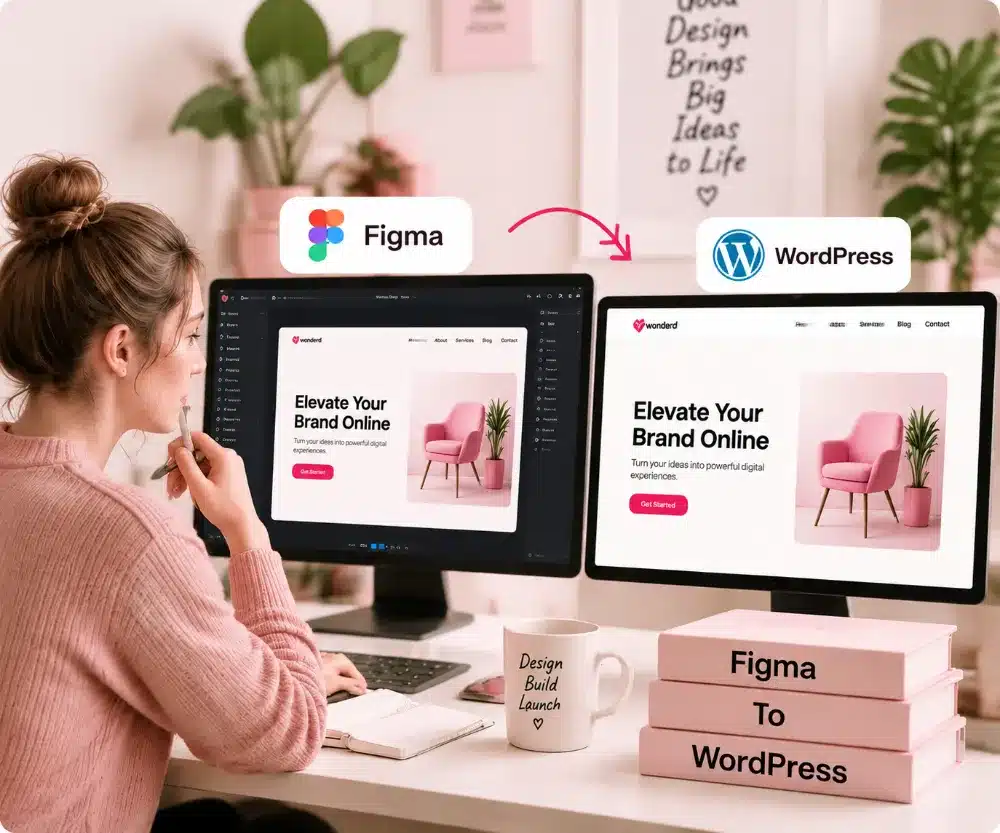
We match your spacing, fonts and colors, then check every screen size before launch. Your Figma to WordPress build looks like your file.
Figma to WordPress prices, in plain sight
Most Figma to WordPress quotes arrive after a call, with a number you cannot compare. We print the price of each plan here instead, paid in three parts, with no hidden fees.
Paying in three parts: 50% to start, 30% after you see your first design, and 20% once your site is live and you have your logins.
Your Figma pages, built and live. Enough to win the first call.
Up to 5 pages
50% to start: $293.50
30% after the first design. 20% on completion.
Included:
Not included:
Seven Figma pages: what you do, who you are, and proof it works.
Up to 7 pages
50% to start: $342.50
30% after the first design. 20% on completion.
Included:
Not included:
Nine Figma pages, so projects, prices and questions each get their own.
Up to 9 pages
50% to start: $397.50
30% after the first design. 20% on completion.
Included:
Agencies ordering Figma to WordPress builds for three or more sites at once get 12% off.
Paying in three parts: 50% to start, 30% after you see your first design, and 20% once your site is live and you have your logins.
Basic
Your Figma pages, built and live. Enough to win the first call.
Up to 5 pages
50% to start: $774.84
for 3 sites.
30% after the first design. 20% on completion.
Included:
Not included:
Standard
Seven Figma pages: what you do, who you are, and proof it works.
Up to 7 pages
50% to start: $904.20
for 3 sites.
30% after the first design. 20% on completion.
Included:
Not included:
Premium
Nine Figma pages, so projects, prices and questions each get their own.
Up to 9 pages
50% to start: $1,049.40
for 3 sites.
30% after the first design. 20% on completion.
Included:
Hand us five or more client Figma files at once, and your agency gets 17% off each build.
Paying in three parts: 50% to start, 30% after you see your first design, and 20% once your site is live and you have your logins.
Basic
Your Figma pages, built and live. Enough to win the first call.
Up to 5 pages
50% to start: $1,218.02
for 5 sites.
30% after the first design. 20% on completion.
Included:
Not included:
Standard
Seven Figma pages: what you do, who you are, and proof it works.
Up to 7 pages
50% to start: $1,421.37
for 5 sites.
30% after the first design. 20% on completion.
Included:
Not included:
Premium
Nine Figma pages, so projects, prices and questions each get their own.
Up to 9 pages
50% to start: $1,649.62
for 5 sites.
30% after the first design. 20% on completion.
Included:
Nonprofits, charities and places of worship get 12% off every Figma to WordPress plan. No paperwork.
Paying in three parts: 50% to start, 30% after you see your first design, and 20% once your site is live and you have your logins.
Basic
Your Figma pages, built and live. Enough to win the first call.
Up to 5 pages
50% to start: $258.28
30% after the first design. 20% on completion.
Included:
Not included:
Standard
Seven Figma pages: what you do, who you are, and proof it works.
Up to 7 pages
50% to start: $301.40
30% after the first design. 20% on completion.
Included:
Not included:
Premium
Nine Figma pages, so projects, prices and questions each get their own.
Up to 9 pages
50% to start: $349.80
30% after the first design. 20% on completion.
Included:
Included in every plan
We look for missing pages, missing phone designs and font problems, and tell you before any work begins.
We send screenshots of your Figma and the live site, on desktop and phone. We fix any gap from your approved file for free.
Send a desktop design only, and we make it work on phone and tablet too.
We turn your Figma styles into WordPress settings, so each new page keeps your look.
We export them sharp and keep the files small, so your pages load fast.
We save your Figma sections as blocks, so you can build new pages yourself.
Included with every Figma to WordPress plan

$50 value
Paid plugins, licensed by us and set up on your site
$450+ value
Paid stock and AI images, picked for your pages
$50 value
Pages that load fast on a phone and on a desktop
$50 value
Logins, files and forms locked down before launch
$50 value
Your first two months of Standard Care, free
$49 a month value

Yours to edit after launch
Your Figma design becomes a WordPress site you can update without calling a developer.
Straight answers
Before you hand over your Figma file, read what the build costs, what you own, and who looks after the site after launch. Answered before you spend anything.
WP BigBang's Figma to WordPress plans start at $587, paid once, and each plan's price is printed above. You bring the finished Figma design. We build it in WordPress with a blog and free hosting for the first year, check each page on phone, tablet and desktop, and add speed and security work at no extra cost.
Yes. Book a free call or send a message, and you talk to the people who will build your site. No bot, no call centre. Share your Figma link and ask anything about our Figma to WordPress plans, the price or the steps. You pay nothing until you are ready to start.
One senior team handles your Figma to WordPress build from first file to launch, with 15+ years in WordPress behind it. We are one senior team working across Asia and Europe, and our hours cover the US morning and afternoon. Agencies can hire the same team white-label, too.
Our Figma to WordPress conversion service keeps your money behind the work, so you are not left paying for silence. You pay half to start, then the next parts only after you see your site built and finished. If anything goes quiet on our side, email hello@wpbigbang.com and a real person on our team will answer.
Your Figma to WordPress site goes live within 14 business days once your file, text and photos land. The clock counts only our days and pauses while we wait on your answer, so send everything early for the fastest launch.
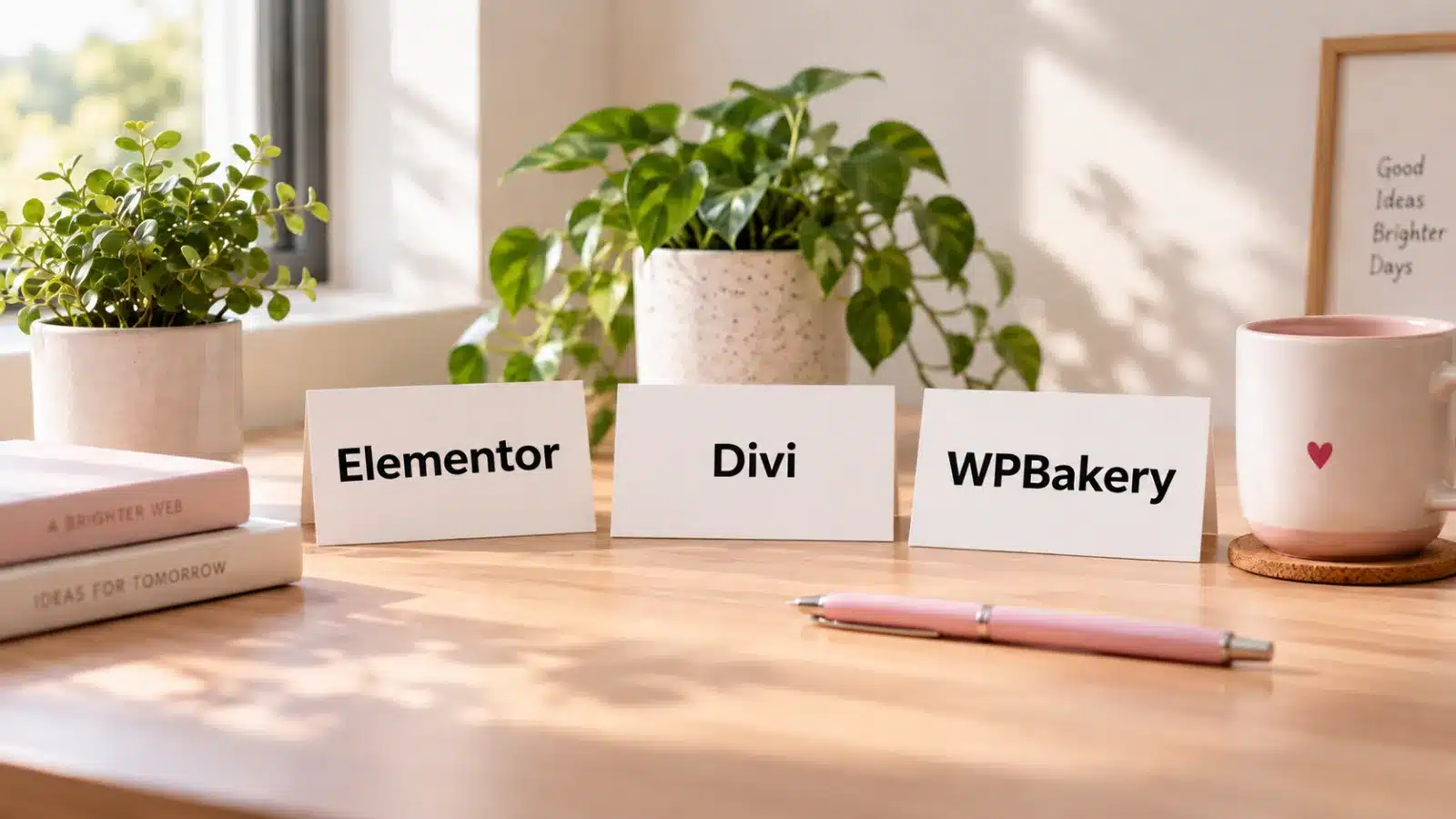
You can. Plugins that convert Figma to WordPress put a rough page on screen fast, and then you tidy the spacing, the phone layout and the forms by hand. If you would rather skip that work, our team does the Figma to WordPress Elementor build for you and hands over a site you own.
Then we fix it, free. Any gap between your approved Figma file and the site is on us, and every plan also includes two revision rounds for anything you want changed. Past those rounds, we quote any new change in writing before we touch the site.
Life gets busy, and nothing is lost. The clock pauses while we wait on you, and we send friendly reminders. If things stay quiet, we park the project and keep your files for 3 months from your last message. One message restarts it, and a restart costs $99.
You can ask for a refund within 3 days of your order, and you need to tell us why the work was not satisfactory. Refunds do not cover delays caused on your side, domain names, or anything bought from another provider. The full terms are in the refund policy.
You do. Before you pick any Figma to WordPress conversion service, ask who will own the site. With us, the files, the database and the domain are yours the day it is finished, so you can move it or hand it to another developer whenever you want.
Every plan starts with two free months of Standard Care after launch. After that, WP BigBang care plans start at $49 a month, or you can look after the site yourself. You keep everything either way, so a care plan is a choice, not a condition.

15+ years building WordPress sites
Send me your Figma link, and I'll help you pick the right plan, with scope and price clear before you pay anything.
Order your Figma to WordPress build without worry
Pay 50% to start. Pay 30% after you see the first design. Pay the last 20% when the site is done.
The second payment is due after you have seen the first design.
Every plan includes two rounds of changes. Tell us what to fix.
Files, database and domain are yours the day the site is finished.
Your first two months of Standard Care after launch are free.
50% to start. Nothing more until you have seen the design.
Clients on camera
Every face here is a real client. Names, roles, own words. Press play and hear the work described by the people who paid for it.
Recent WordPress development work
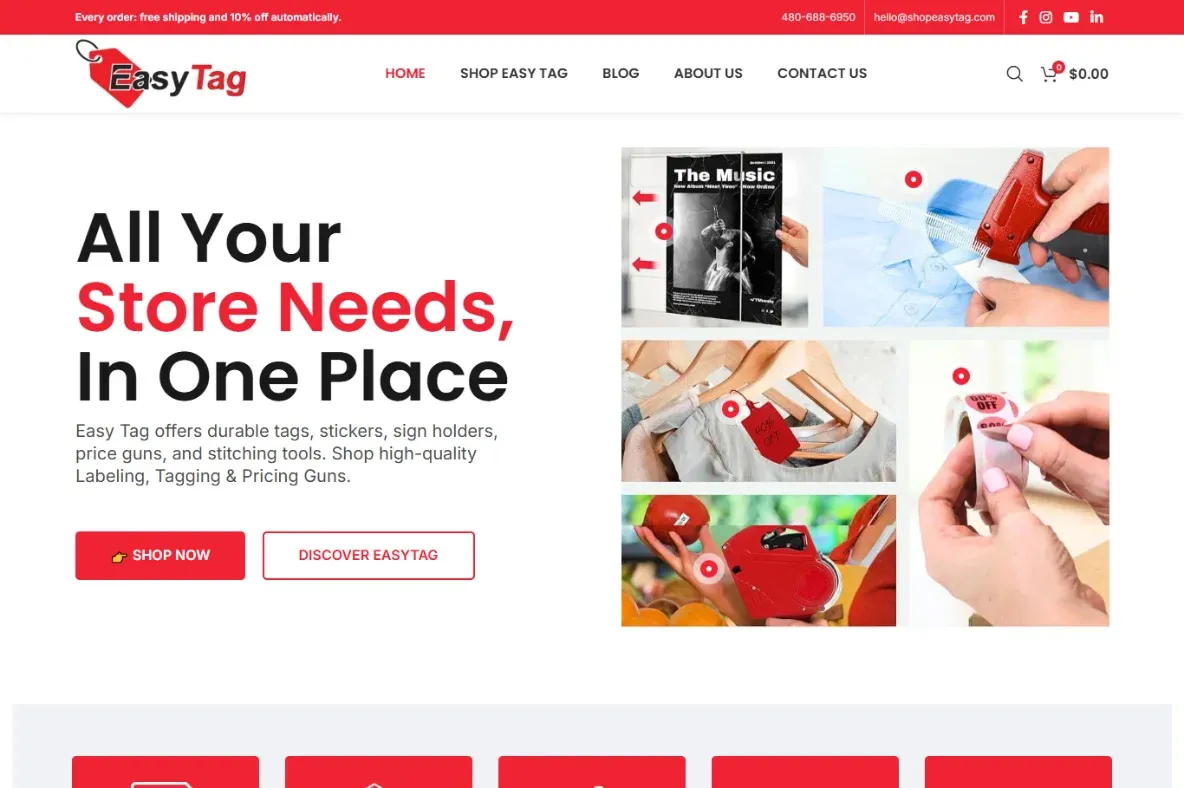
Retail labels, price guns and tagging supplies. Online store.
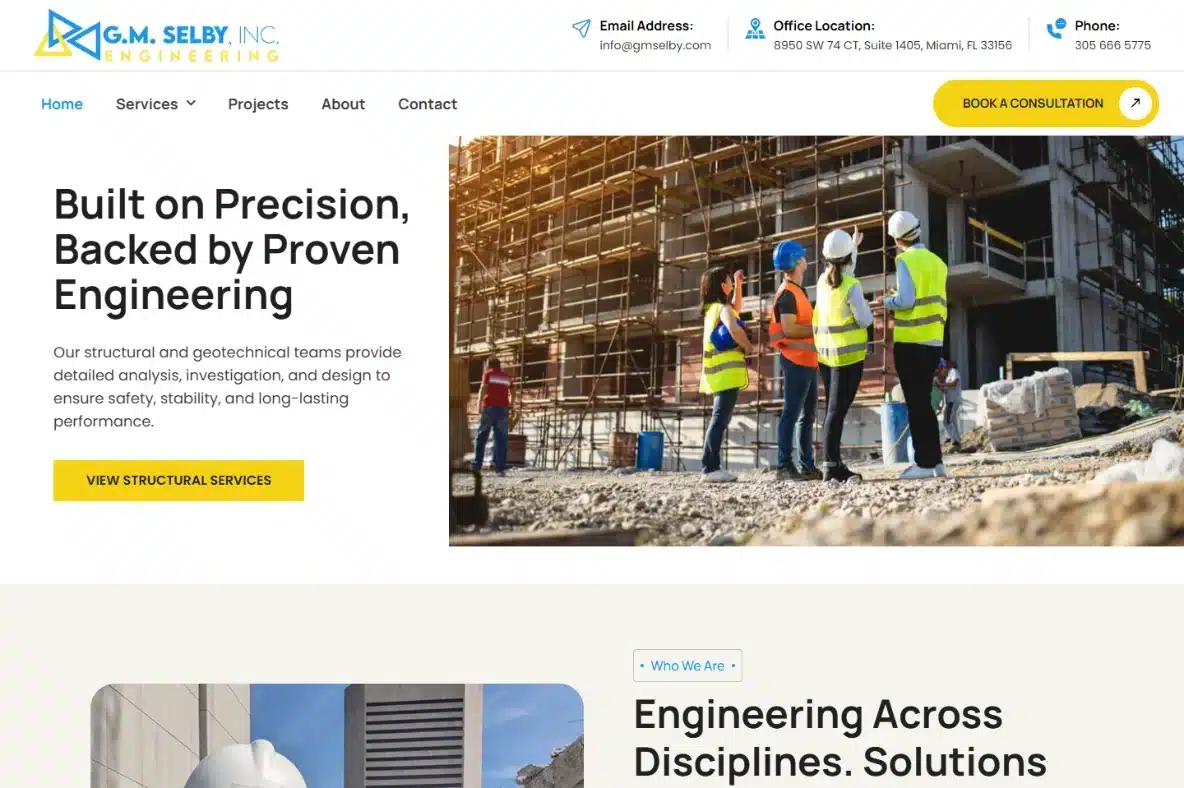
Engineering and consulting across seven disciplines. Miami, Florida.

Tours, tickets and transfers in Dubai. Live booking site.
How our Figma to WordPress service works
Three steps to order, four to build. Live 14 business days after your content lands.
Basic, Standard or Premium. Standard is the one we recommend.
Pay half, and work starts. Nothing more until you see a design.
Your Figma file, text and photos. The clock starts when they land.
We match your Figma file page by page and show you the first draft. Then you pay 30%.
We finish your Figma to WordPress Elementor build: menus, forms and every page.
We check your speed and every screen size, phone, tablet and desktop, then go live. You pay the last 20%.
Two free months of Standard Care. Files, database and domain are yours.
Eight reasons, no fine print
You see the price of every Figma to WordPress plan on this page, with every add-on priced too. A team you hire should show its prices before the call, not after it.
We build what you drew in Figma, section by section, with no template underneath. Our Figma to WordPress Elementor builds keep your fonts, colors and spacing, and you can edit the words later.
WordPress is all we build, with 15+ years behind it. When your Figma design asks for something a page builder cannot do, we write real code.
Send your Figma file, text and photos, and your site goes live within 14 business days. Book a free call to start.
Pay 50% to start, 30% after you see your first design, and 20% at the end. Your money follows the work.
The files, the database and the domain go to you the day your site is finished. Nothing stays locked with us.
One team does your build, marketing and care, so your brief is never retold. Agencies can hire the same team white-label, with 12% off from three sites.
Every plan starts with two free months of Standard Care after launch. Care plans run from $49 a month when you want to keep going.
Compare before you pick a Figma to WordPress conversion service
There are five ways to convert Figma to WordPress, and each one can be the right pick. See what each one gives you, and what it asks of you in money and hours.
$587, $685, $795. Every add-on priced too.
Most tell you the price on the call, not before.
No price list. A proposal, after the meetings.
Looks free. Then hosting, plugins and images add up.
A monthly price, and a higher tier for the real features.
Your Figma design, built to match. No template.
Many squeeze your design into a bought theme.
Built by whoever is free that week.
A plugin export, and you fix each screen yourself.
It skips your Figma file and pours your words into a template.
Premium theme, plugins, images, speed, security. Free.
The theme, plugins and images go on your card.
Each extra is billed, with the agency’s cut on top.
You find, buy and set up each one yourself.
Extras sit behind the higher plan, month after month.
50% to start, 30% at first design, 20% when done.
Half now, half at the end. Some ask for all of it.
A big deposit, then monthly bills until it goes live.
A monthly fee for as long as the site is up.
You rent it. Stop paying and the site goes dark.
Live in 14 business days once your content lands.
Fast until a bigger client calls. Then you wait.
First the queue, then the meetings, then the work.
Evenings and weekends, for as long as it takes.
Minutes to a draft. Then weeks of your own fixing.
Your design built, add-ons included, $587 to $795, once.
By the hour for many, so the total is a guess.
Thousands, and you pay for the account manager too.
Cheap in cash. You pay with your own hours.
Cheap each month. Years of rent, and nothing to keep.
Premium work. 15+ years, clients in 10+ countries.
Often excellent, when you find the right one.
Strong at the top. A small job gets the junior.
As good as your first try. No one checks it.
Generated words and stock photos. You are the only checker.
Included. Care plans from $49 a month after that.
Ends at handover, or when their next job starts.
Sold as a monthly contract from launch day.
You fix it yourself, after your day job.
They keep it online. The fixing and writing stay yours.
Files, database and domain, yours the day it is done.
Only if the domain is in your name, not theirs.
Read the contract. Some keep it on their own platform.
Yours, as long as you stay on their builder.
Most hand over no files and no database to take away.
Order here, no call. Track each stage in your dashboard.
Progress is a chat message, when they send one.
No online order. It starts with a sales call.
Sign up in seconds. Every stage after that is you.
You get a dashboard, and every job inside it is yours.
Design, development, marketing and care, one team.
One person, one main skill. You find the rest.
Four teams, so your brief is retold three times.
You are the designer, developer and help desk.
One tool, no team. Design, words and care fall to you.
WordPress, plus hand-written code when it needs it.
Page builder only, as a rule. No code past that.
Real coders, yes. Billed at the big-agency rate.
Drag and drop only. Past that, you learn to code.
Most keep the code closed. You cannot move the site out.
The people building your site. No bot, no call centre.
Fast on a good week. Quiet when they are ill or busy.
The account manager replies. The coder gets it later.
Help articles, a chat bot and a forum of strangers.
A bot, then a ticket queue. No person knows your site.
Experience behind every Figma to WordPress build
Years building WordPress sites



Start your project with confidence
Pick a plan, pay half, and send your Figma file. Our Figma to WordPress team builds it by hand, and the site is yours the day it is finished.


Is WordPress right for you?
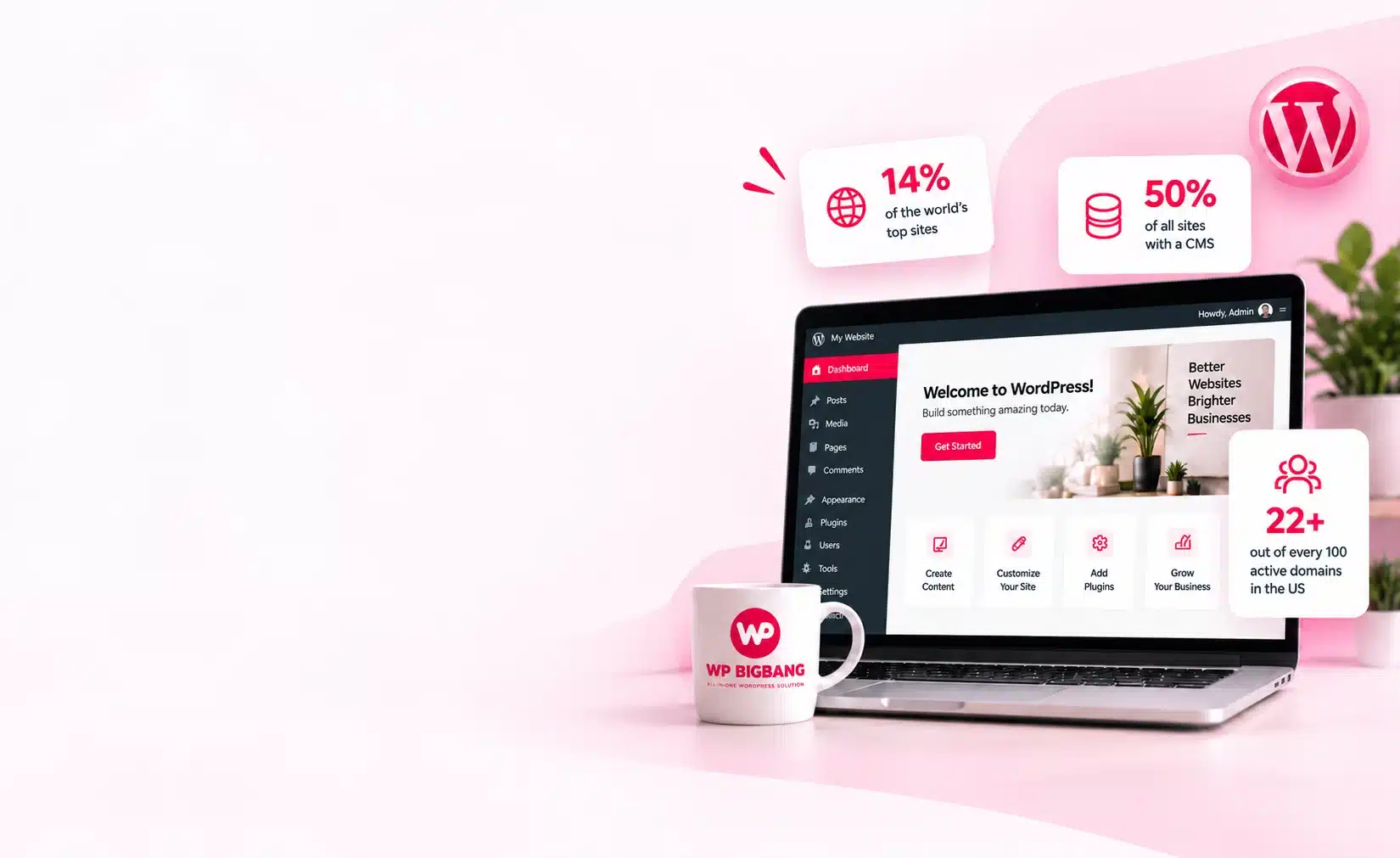
WordPress runs 40.3% of every website on the internet and 58.8% of all sites built on a content management system, measured by W3Techs on 11 September 2026. It leads every tier of site popularity.
More than Figma to WordPress: every kind of site
Your Figma file may show a desktop screen only, but your customers find you on a phone first. We build each page to fit phone, tablet and desktop, and check all three before launch, at no extra cost.
Business Website
Ecommerce Website
Website Maintenance
From the blog
Before you pick a platform or hire a WordPress web design agency, read our plain-English guides on WordPress, speed, security and running an online store.