
Quick answer: BigCommerce or WooCommerce?
WooCommerce vs BigCommerce: the numbers that decide it
$0
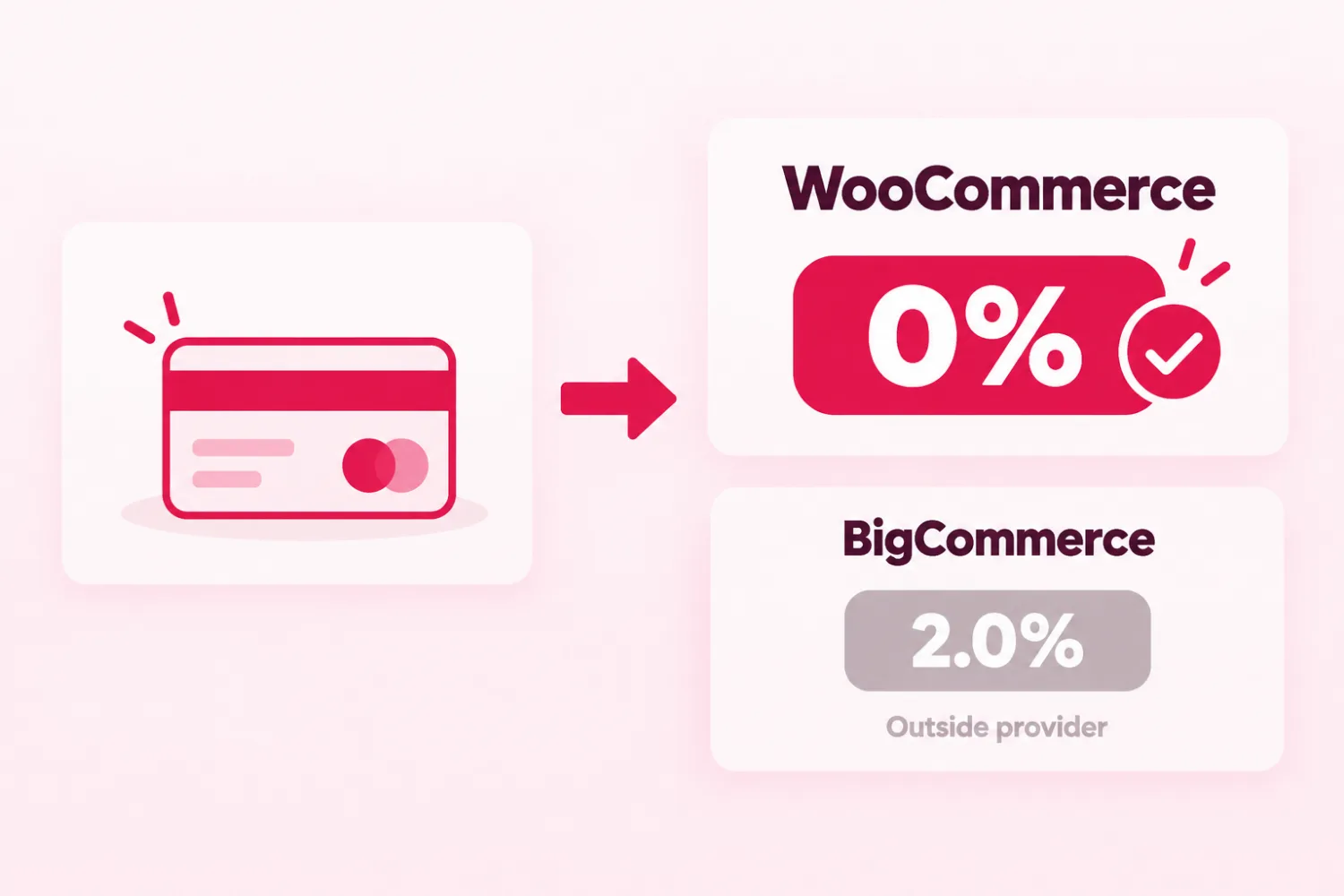
2.0%
$30K
$105
WooCommerce vs BigCommerce: the basic difference
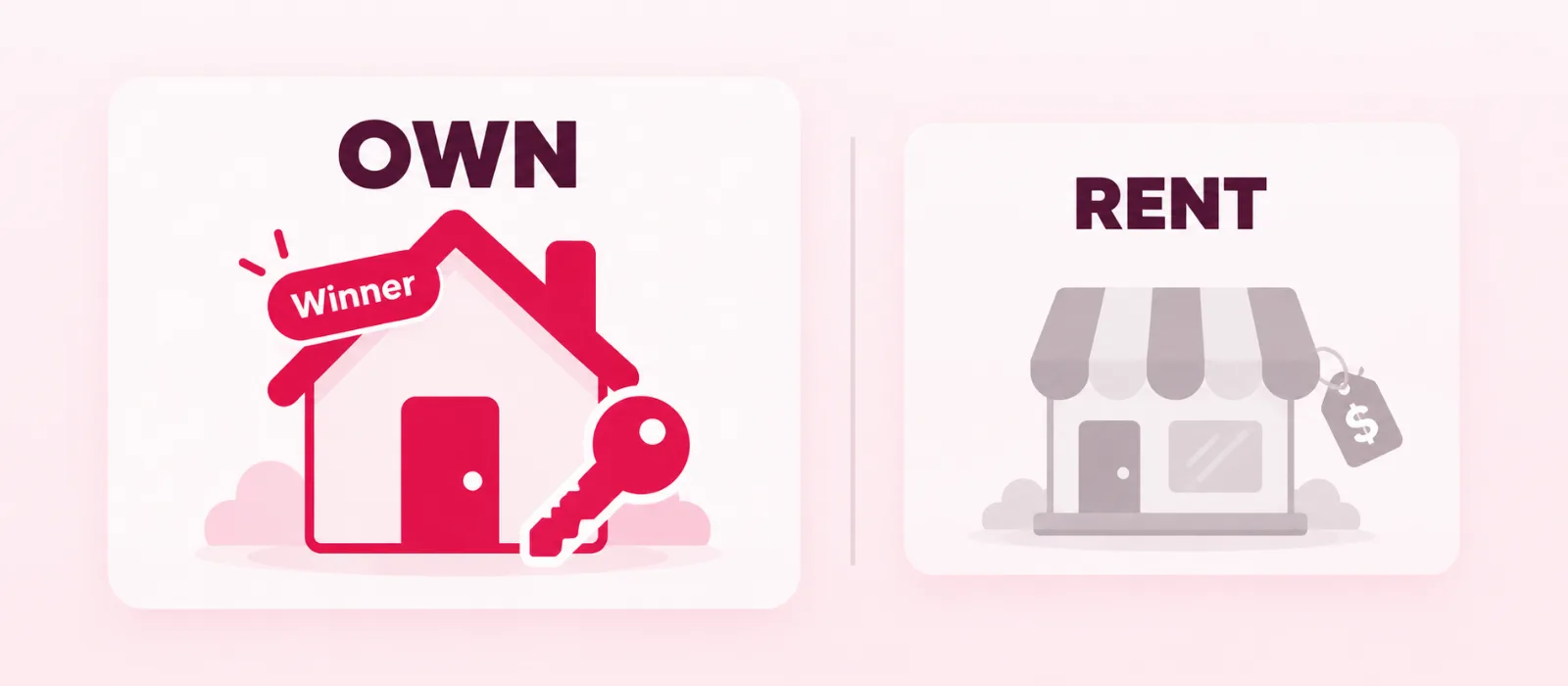
One store you own, one store you rent
Ease of use: WooCommerce vs BigCommerce
The easy start has a price tag
BigCommerce
- Hosting and platform updates come with every plan.
- A 15-day free trial lets you test before you pay.
- Core stops at $30K a year in sales, then moves you up to Growth.
- Abandoned cart emails need Growth or higher.
- Outside payment providers add up to 2.0% on each sale.
WooCommerce
- The plugin is free and open source.
- No platform fee and 0% revenue share on your sales.
- Your products, customers and orders stay yours to export.
- Any WordPress theme or page builder can shape your shop.
- Your shop and your blog run on one WordPress site.
- You pay for hosting, and someone has to keep the plugins updated.
Total cost: WooCommerce vs BigCommerce by store size
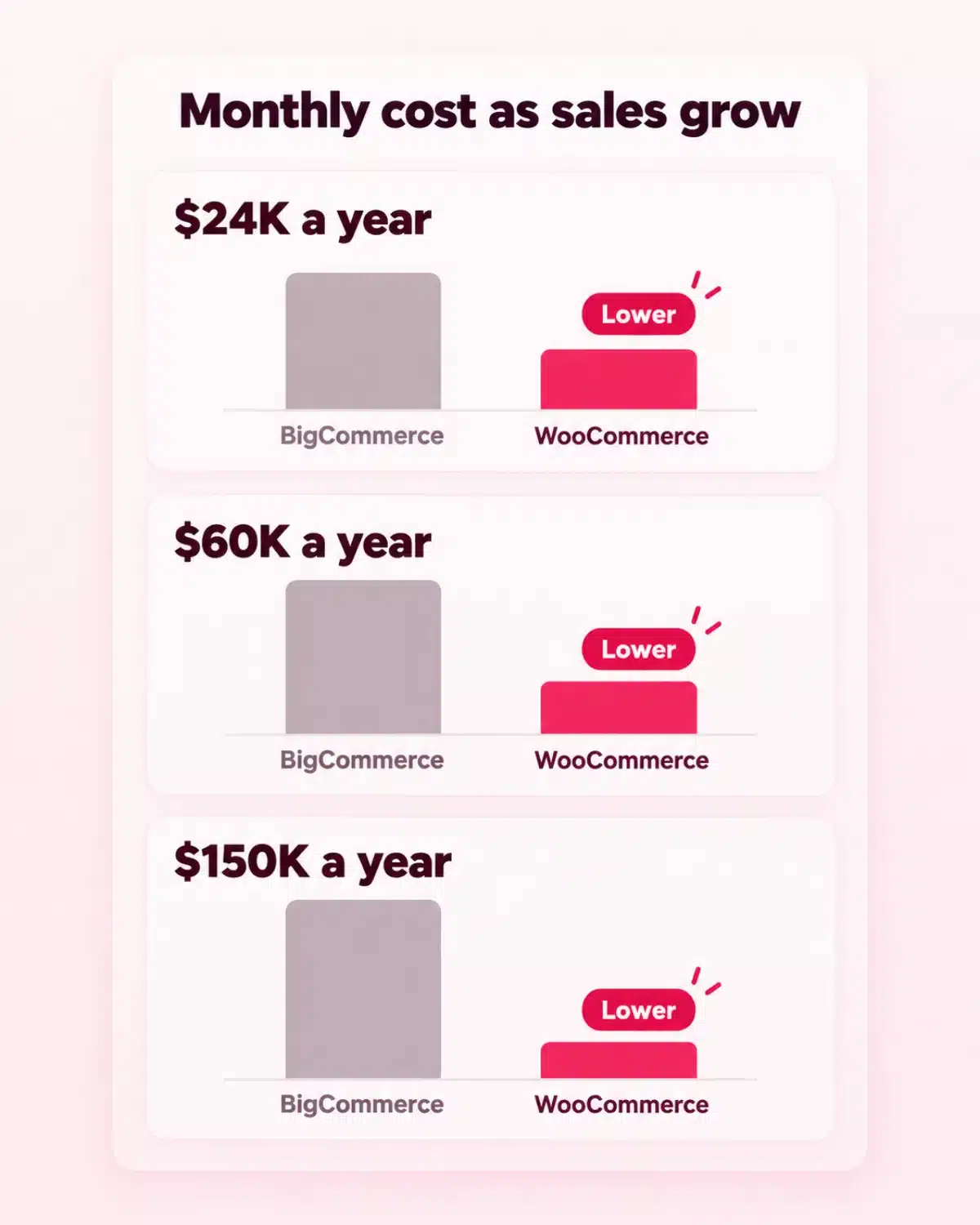
What you pay as your sales grow
Payments and transaction fees: BigCommerce vs WooCommerce
BigCommerce vs WooCommerce: the fee hiding inside each sale
Pro tip
Features: WooCommerce vs BigCommerce side by side
Built in, or added when you need it
Want a WooCommerce store without the tech work?
SEO and blogging: BigCommerce vs WordPress
BigCommerce vs WordPress: let your articles bring buyers in
Design and customization: WooCommerce vs BigCommerce
Make the shop look like you
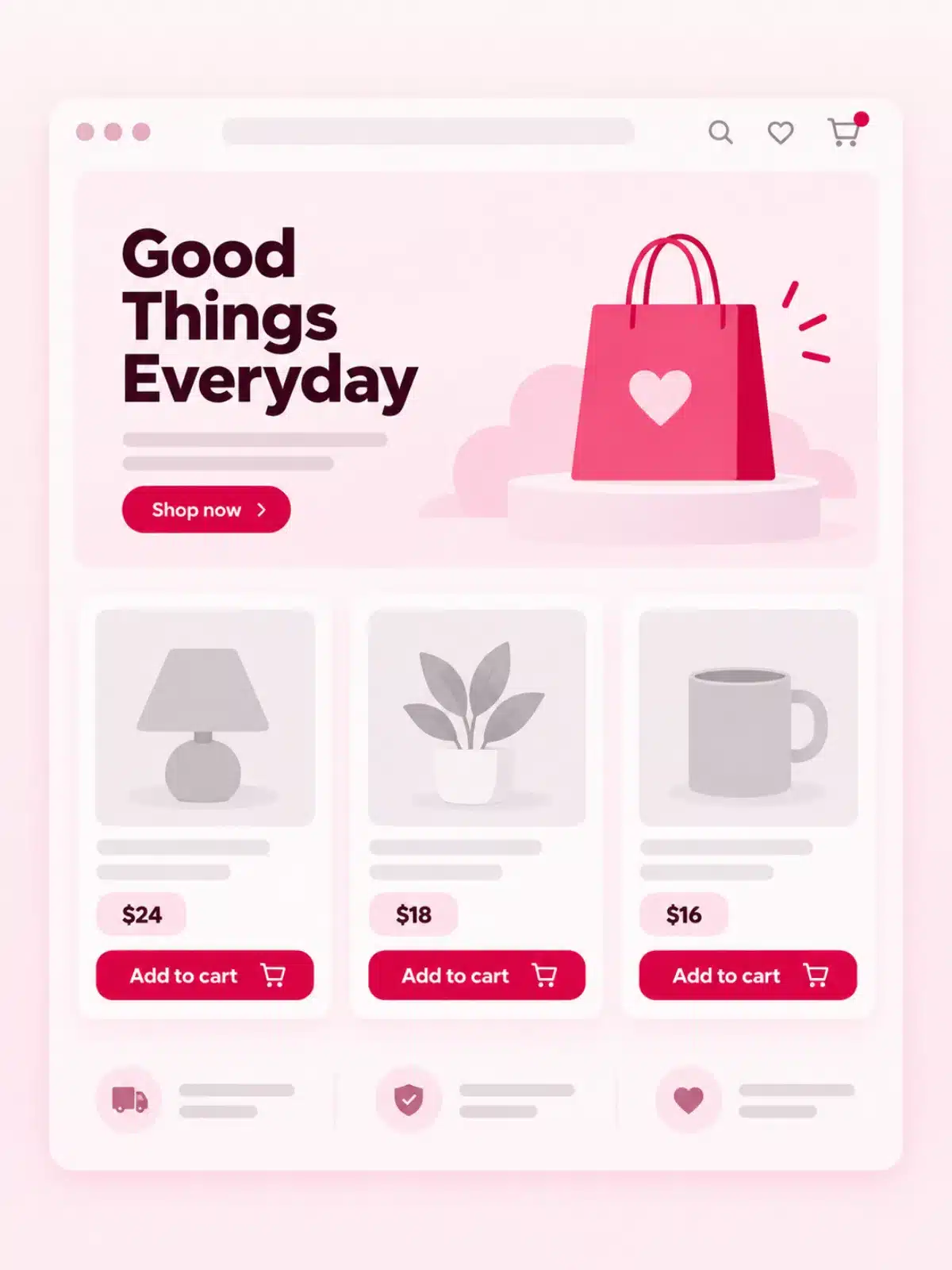
With WooCommerce, you own the store. With BigCommerce, you rent it, and the rent rises with your sales.
Scalability and uptime: WooCommerce vs BigCommerce
Room to grow without starting over
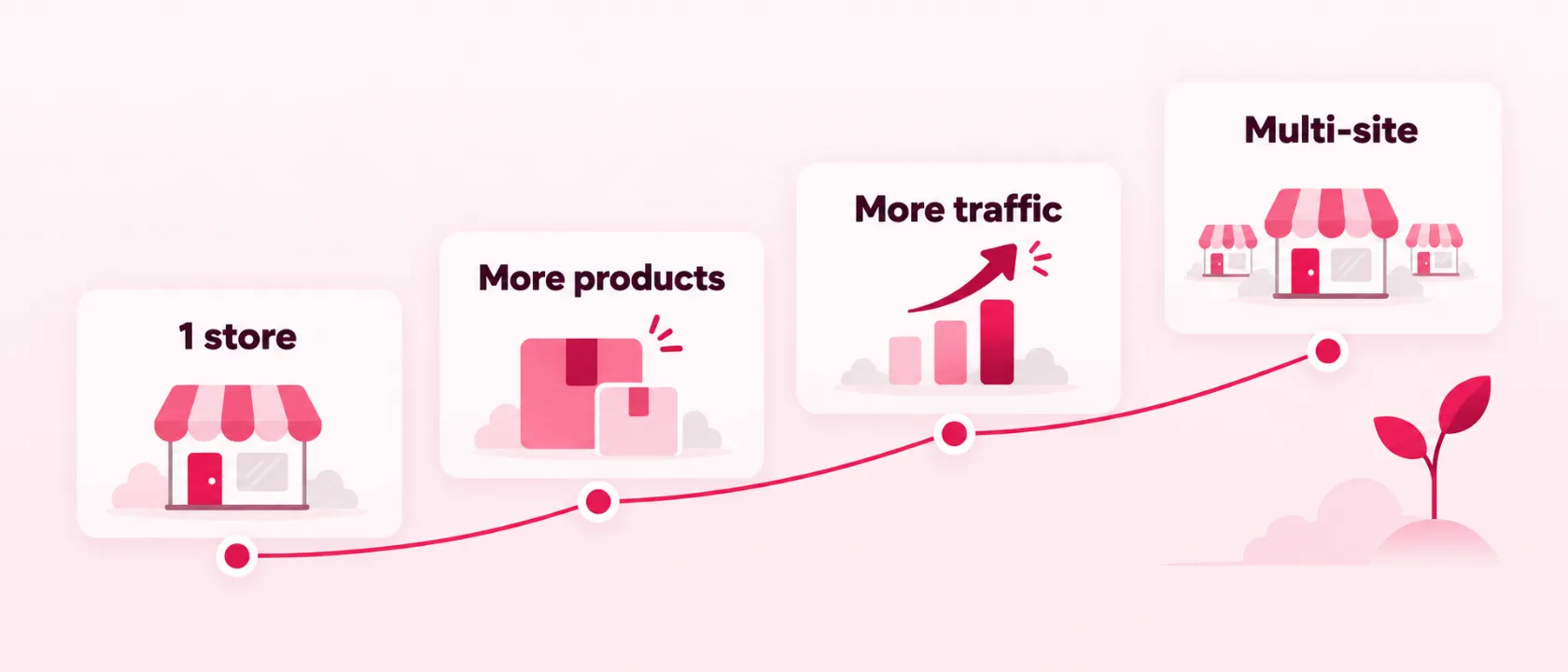
B2B and multi-channel selling: BigCommerce or WooCommerce
Selling to businesses, marketplaces and more than one store
Security and maintenance: WooCommerce vs BigCommerce
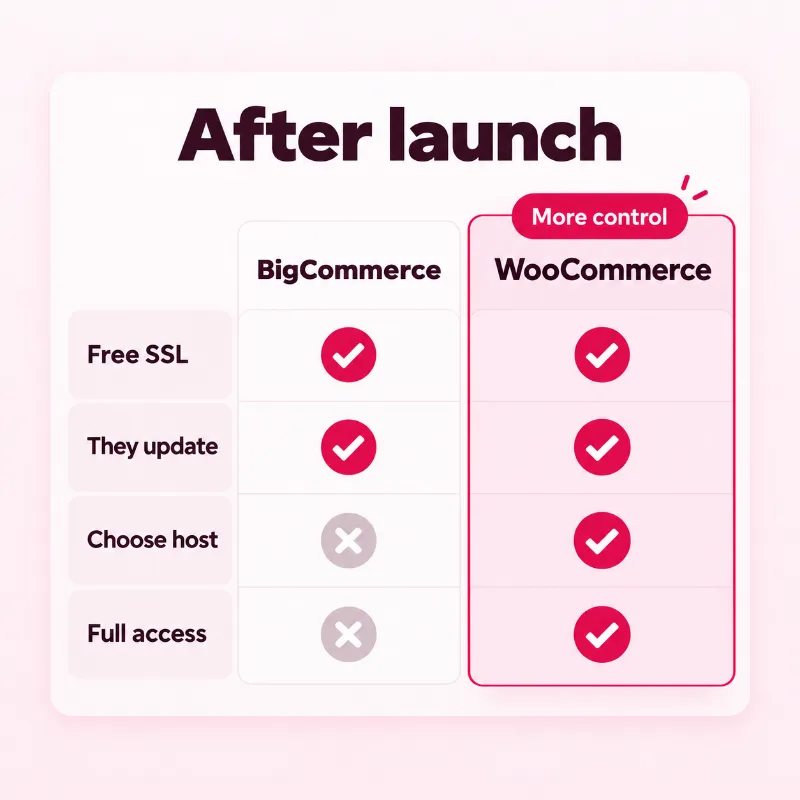
Who keeps your store safe after launch?
BigCommerce
- Free SSL on every plan.
- BigCommerce runs the platform updates.
- You cannot choose your own servers.
- Staff logins and the apps you add are still your risk.
- You cannot take the platform to another host.
WooCommerce
- You choose the host, backups and security tools.
- Providers such as Stripe can take card details without them passing through your server.
- You have full access when something breaks.
- A care plan can hand the updates to a team you pick.
- Updates to WordPress, WooCommerce and plugins need someone to run them.
Apps and extensions: BigCommerce vs WooCommerce
The bigger toolbox belongs to WordPress
Changing platforms later
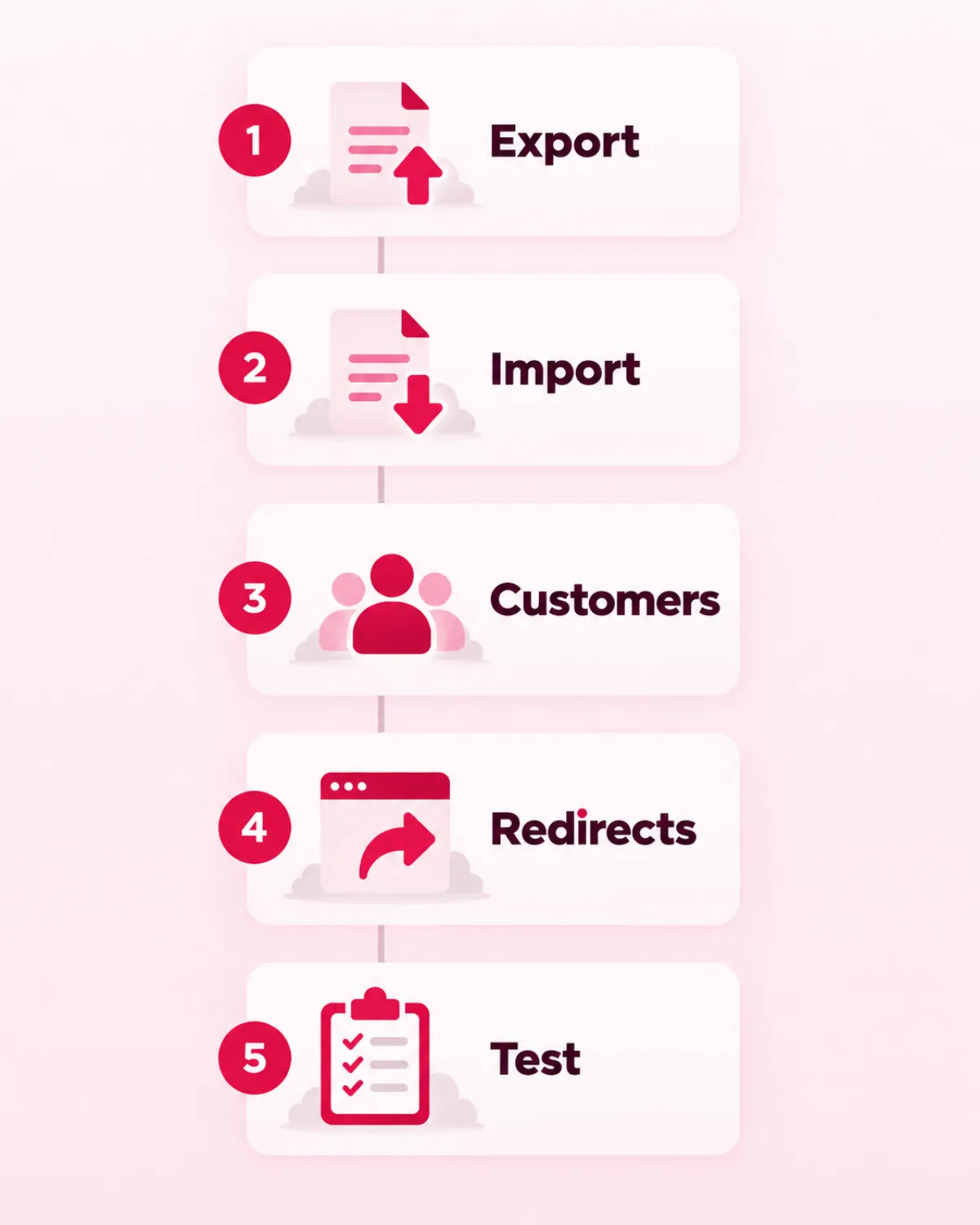
Switch later without losing your customers
Export your products
Import them into WooCommerce
Move customers and orders
Set 301 redirects
Test before you switch the domain
BigCommerce or WooCommerce: our verdict
So which store should you build?
Go with BigCommerce if…
- You want hosting and updates bundled, and nobody on your team will run updates.
- Most of your sales go to trade buyers or to Amazon, eBay and Walmart.
Our pick for most small stores
Go with WooCommerce if…
- You want to own the store, its data and its design.
- You already run a WordPress site, or want your blog and shop in one place.
- You expect sales to pass $30K a year and want no plan jumps tied to sales.
- You want 0% revenue share and a free choice of payment provider.
Picked WooCommerce?
What happens after you say yes
The right setup
Design and build
Test the checkout
Hand over
Frequently asked questions